
How to Download Twitter (X) Videos in 2026
X has no download button for videos, which is strange for a platform where so much news, sport and comedy breaks first. I spent a few evenings testing what actually works on a phone and a laptop, and the honest answer is: it is simple once you copy the right link. Here is the whole routine, plus the small traps that make people think it failed.
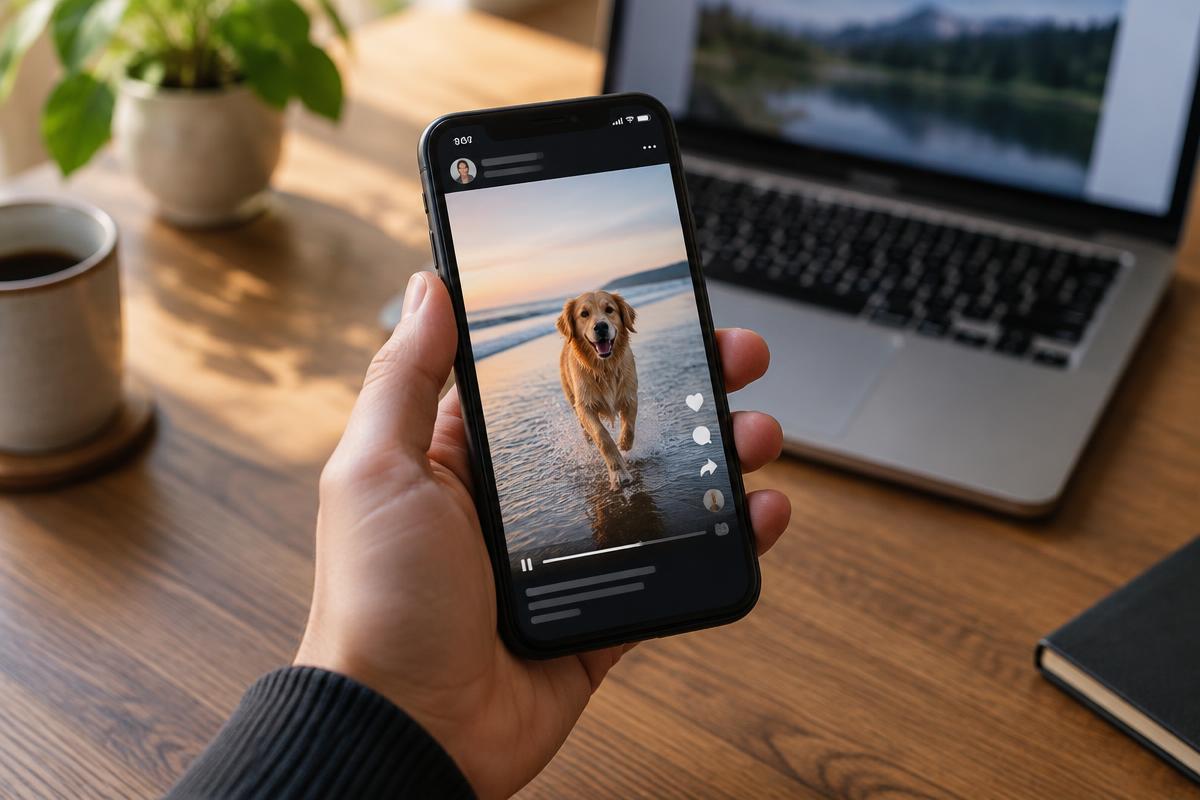
Why X makes this harder than it needs to be
Most apps at least let you save your own uploads. X does not even do that for video. You can bookmark a post, but a bookmark is just a pointer. If the account goes private, gets suspended or deletes the post, your bookmark turns into an empty box. I learned this the annoying way when a clip of a local cricket match I had bookmarked for months simply vanished.
The video file itself is stored on X's servers as a normal MP4, often in several sizes. A downloader does one job: it reads the public post, finds those stored versions and hands you the one you choose. That also explains the limits. If the post is not public, or it is a live broadcast that was never saved, there is nothing for any tool to find.
The four-step method that works everywhere
Open the exact post
Tap the post itself so it opens on its own screen. If you copy from a quote post or a reply, you may end up with the link to the wrong tweet, and the tool will say it found no video.
Copy the link
Tap the share arrow under the post and choose Copy link. On a computer you can also copy the address from the browser bar. The link should contain the word status followed by a long number.
Paste it into a browser downloader
Open the tool in Chrome, Safari or Edge, paste the link and wait a second or two. A trustworthy page shows the qualities that actually exist for that post, usually two or three.
Save and check the file
Pick the highest quality, save, then play the file once before you close anything. It takes five seconds and saves you from finding a silent or broken copy weeks later.
Posts with several videos. A single post can hold up to four clips. Good tools list each one separately, so scroll the result before you assume only the first clip was found.
On iPhone
Use Safari rather than an in-app browser. Copy the link in the X app, open Safari, paste it into the downloader and tap the quality you want. Safari asks whether to download the file; say yes. The video lands in the Files app, inside the Downloads folder, not in Photos.
To move it into your camera roll, open Files, tap the video, tap the share icon and choose Save Video. This extra step is the reason most iPhone users think the download did nothing. It worked; iOS just filed it somewhere else. If you save a lot of clips, add the Downloads folder to your Files favourites so it is one tap away.
On Android
Chrome handles everything. After you pick a quality, a small bar at the bottom shows the download progress. Tap Open when it finishes, or find it later in the Files by Google app under Downloads. On most phones the gallery picks it up within a few seconds.
If the gallery does not show it, the file is probably sitting in Downloads with no media scan yet. Move it to the Movies or DCIM folder and it appears straight away. Some phones with aggressive battery saving pause downloads when the screen turns off, so keep the screen on for longer clips.
On a Windows PC or Mac
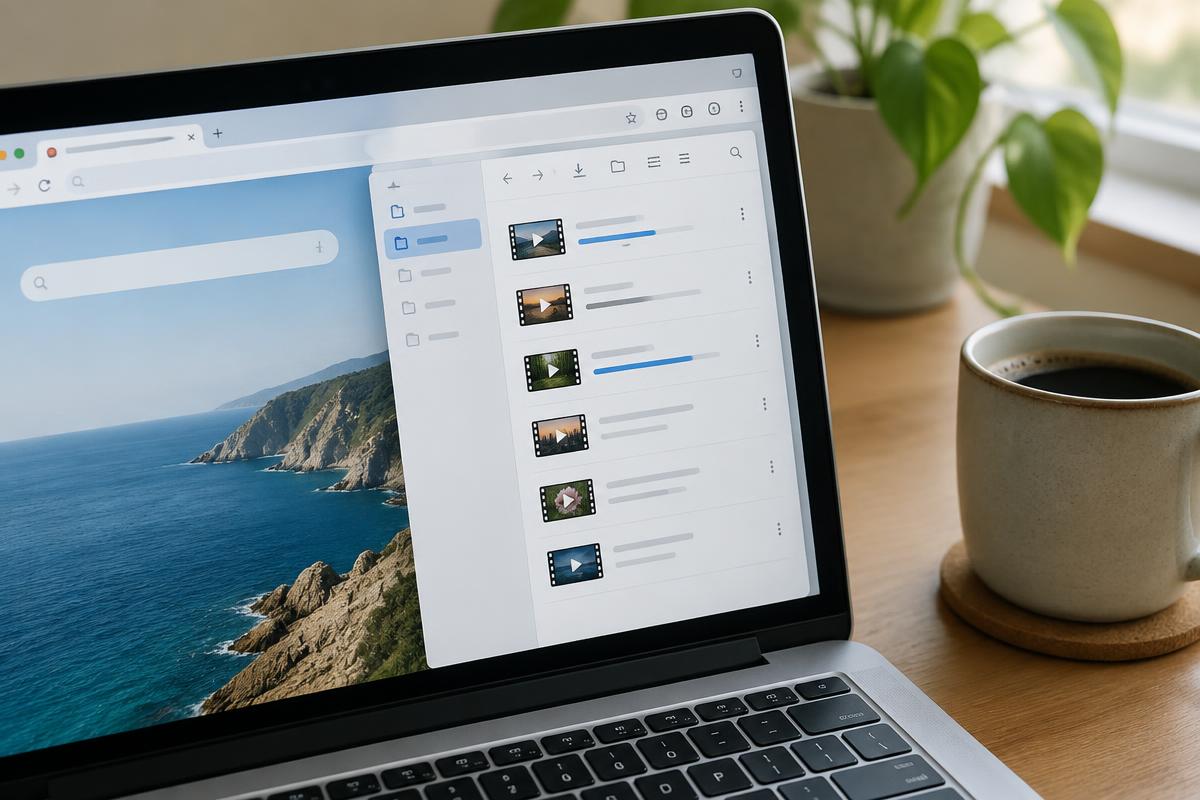
Desktop is the most comfortable option if you save clips for work, research or editing. Copy the post address from the browser bar, paste it into the downloader and save. Chrome, Edge and Firefox all place the file in your Downloads folder by default.
I recommend creating one folder just for social clips and renaming each file with the date and a couple of words about it, such as 2026-09-27 rain in karachi. A month later, a folder of files called video 1, video 2 and so on is useless. You do not need any desktop software or browser extension for any of this, and I would avoid extensions that ask to read and change data on every website.
What about GIFs?
The GIFs you see on X are not really GIF files. X converts them into short silent MP4 videos because they are much smaller. When you download one, you get an MP4 that loops fine in most players but has no sound, because it never had any. If you truly need a .gif file, for a presentation or a chat app that only accepts GIFs, run the MP4 through a converter afterwards. Keep it short, because real GIF files grow very large very quickly.
Quick comparison: which quality should you pick?
| Option | Best for | Typical size per minute |
|---|---|---|
| 1080p / 720p | Keeping, editing, watching on a laptop | 15 – 40 MB |
| 480p | Sending on WhatsApp, saving phone storage | 6 – 12 MB |
| 360p or lower | Slow connections only | 2 – 5 MB |
My rule: always keep the best version, and make a smaller copy only if you need to send it. You cannot turn a small file back into a sharp one.
Common problems and quick fixes
- "No video found". You copied the link of a reply or quote post. Open the original post and copy again.
- Sensitive content warning. Some posts are hidden behind a warning and need a logged-in account to view, so outside tools may not see them.
- File plays with no sound. Choose a different quality, or confirm the original has audio at all.
- Download starts, then stops. Usually a weak connection or battery saver. Retry on Wi-Fi with the screen on.
- Pop-ups and fake buttons. Close the tab. A real download is one clear button next to the quality label.
Need a TikTok video instead?
Our own downloader handles public TikTok links in HD, without a watermark, and can pull just the MP3 sound as well.
Open the downloaderQuick answers
Short answers to the follow-up questions readers send us about this topic.
- Can I download a video from X (Twitter) without an app?
- Yes. You only need the link to the post and a browser. Copy the post link from the share menu, open a downloader in Chrome or Safari, paste it and pick a quality. Nothing needs to be installed, and a real tool never asks for your X login.
- Why does my downloaded X video have no sound?
- Usually the tool grabbed the video stream without the separate audio stream, or the clip was a GIF, which never has sound. Try a different quality option, and check that the original post actually plays with audio before you blame the download.
- Can I save videos from a protected account?
- No. Protected accounts only show posts to approved followers, so an outside website cannot see them. If you are an approved follower and want a copy, ask the person to send it to you directly. That is also the respectful option.
- What is the highest quality I can get?
- Whatever the uploader sent. X usually stores a few versions, often up to 720p or 1080p. A downloader can give you the best stored version, but it cannot add detail that was never uploaded.
Use saved clips fairly
A saved post is fine for watching later, for your own notes or for showing a friend. Reposting someone's video as your own is a different thing. Credit the account, link the original where you can, and ask first for anything commercial. Rights holders can contact us through our copyright page.
Related articles
Other guides that answer the questions people usually ask straight after this one.
How to Download Snapchat Stories in 2026
Save your own stories from Memories, keep public Stories and Spotlight videos, and avoid risky story viewer sites.
Read guideHow to Download YouTube Shorts in 2026
Why offline mode is not a real file, the steps on iPhone, Android and desktop, and how to keep the sound intact.
Read guideHow to Download Instagram Reels in 2026
What the app lets you save, the steps on iPhone, Android and desktop, why quality drops, and the posts nothing can reach.
Read guide