
How to Download Snapchat Stories in 2026
Snapchat is designed around things that disappear, which makes saving a story feel harder than it should be. The good news is that your own stories, public Stories and Spotlight videos can all be kept properly. Here is exactly what works, what does not, and how to avoid the scam sites that fill the search results.
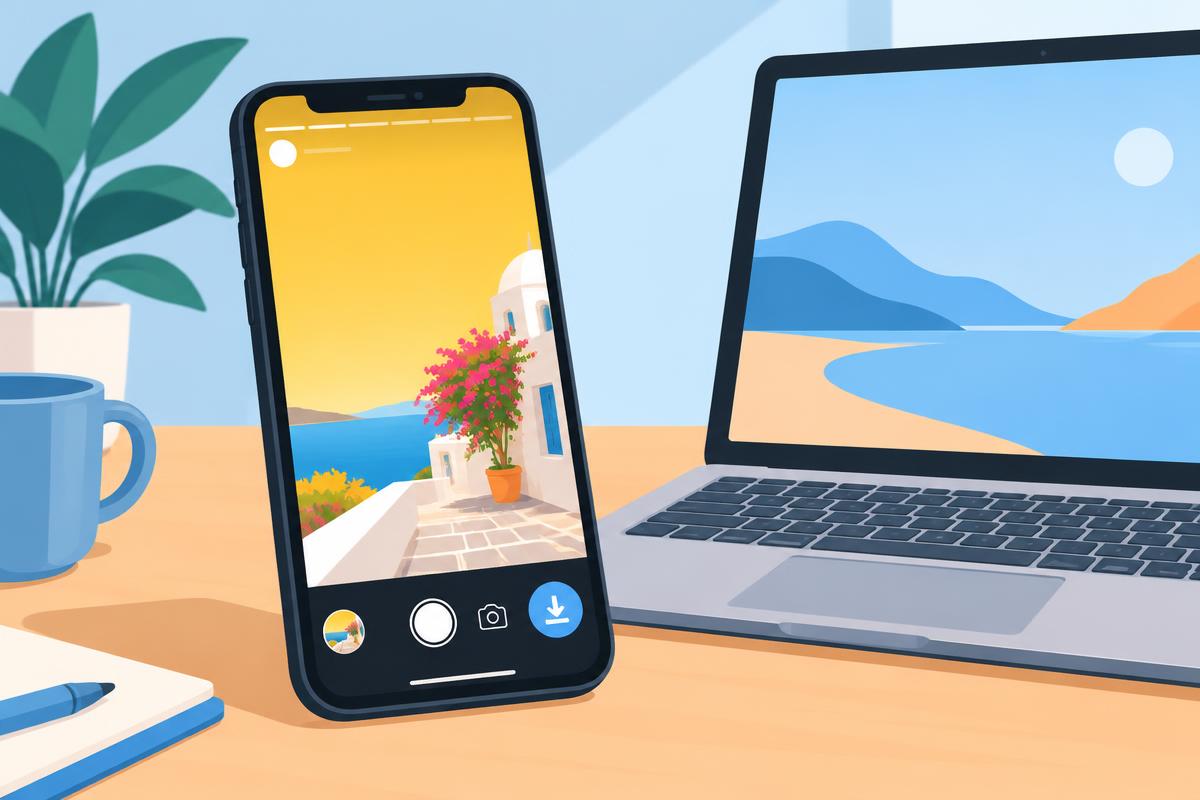
Three kinds of Snapchat content, three different answers
Most confusion about Snapchat story downloads comes from treating everything as one thing. In practice there are three types of content, and each behaves differently.
- Your own stories. You own them, and Snapchat gives you full tools to save and export them through Memories.
- Public Stories and Spotlight. Creators publish these for anyone to watch. They have shareable links and, like other public short videos, can often be saved.
- Friends' private stories. These are shared only with a chosen audience inside the app. There is no link for outsiders, and no website can legitimately fetch them.
Knowing which one you are dealing with answers most questions before you even start, and it stops you wasting time on tools that cannot possibly work.
Saving your own story, step by step
Open your profile
Tap your avatar in the top left corner. Under My Stories you will see everything you posted in the last 24 hours.
Save a single snap or the whole story
Tap a snap, then the three dots, then Save. To keep everything, use the download arrow next to the story name, which saves every snap in order.
Find it in Memories
Swipe up from the camera screen. The story sits in the Stories tab of Memories, where it stays until you delete it, even after it expires publicly.
Export to your camera roll
Long-press the story in Memories, tap Export and choose Download or Camera Roll. Now it is a normal video file you can edit, back up or share.
Turn on automatic saving. In Settings, open Memories and set Save Button and Auto-Save Stories so every story you post is copied to Memories. You will never lose one to the 24-hour timer again.
Public Stories and Spotlight videos
Public creators and Spotlight clips work more like videos on other short-video apps. Open the story or clip, tap the share arrow and choose Copy Link. That link points at one public post, which is what a browser downloader needs. Paste it into a trusted tool in Chrome or Safari and choose the format offered for that post.
On iPhone the file lands in the Files app under Downloads; open it and choose Save Video to add it to Photos. On Android it normally appears in the gallery by itself, and if it does not, move it into the Movies folder. On a computer it goes straight to Downloads.
Some creators turn sharing off, and some posts are limited by country. When a link is rejected, that is usually the reason, and it is the creator's choice to respect.
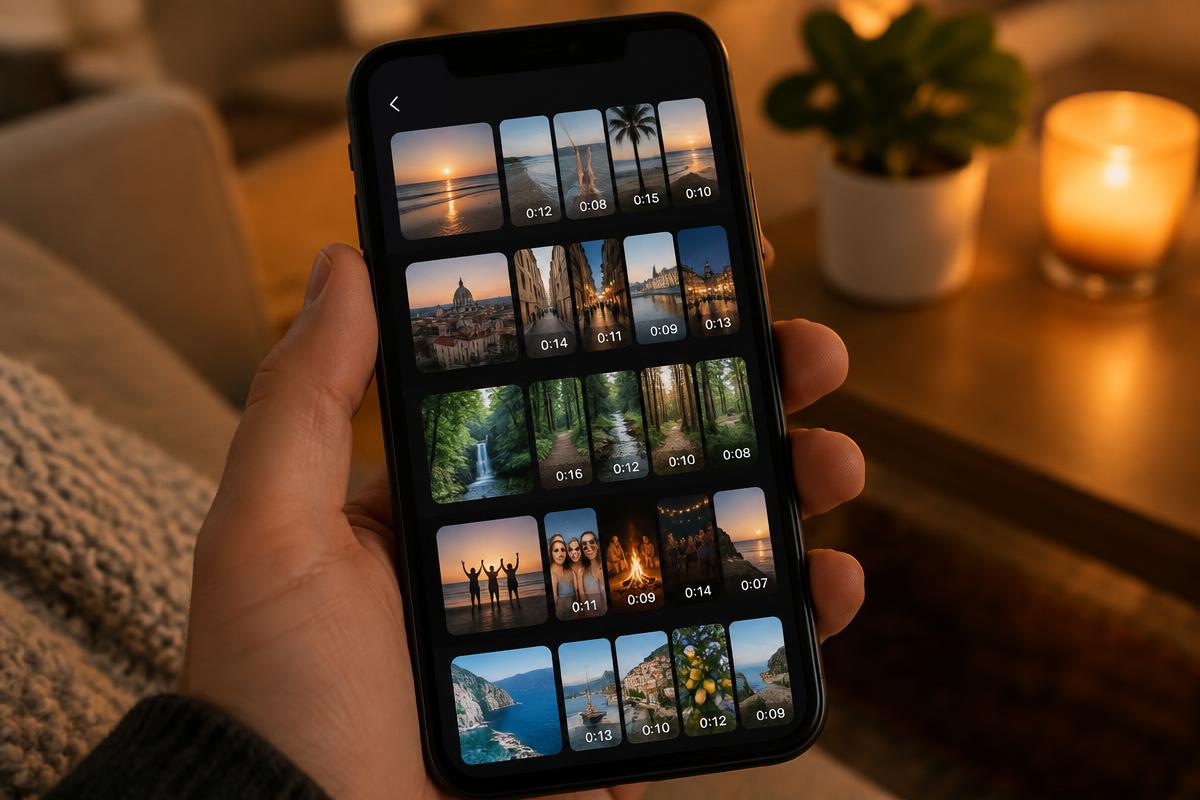
Getting the best quality
- Export from Memories, not by screen recording. The export is the file Snapchat stored; a screen recording captures your display, notifications and a lower bitrate.
- Check the upload quality setting. Under Settings, Video Upload Quality set to Auto can store lower quality on mobile data. Posting on Wi-Fi gives you a better file later.
- Keep the original. Every re-edit and re-export loses a little detail. Save one untouched copy and edit duplicates.
- Filters and lenses are baked in. The saved file includes them; there is no way to remove a filter after the snap was taken.
Snapchat story viewer and downloader sites: the risks
Search for a Snapchat story downloader and you will find dozens of sites promising to view or save any story anonymously. Our testing found the same patterns again and again: fake download buttons that open adverts, requests to allow browser notifications, surveys before the file, and forms asking for your Snapchat username and password.
The rule is simple. A genuine tool only needs a public link. It never needs your login, never needs you to install an extension, and cannot reach private content. Anything that claims otherwise is either not working or trying to take over your account. If you already entered your password on such a site, change it immediately and enable two-factor authentication in Snapchat settings.
Moving your whole Snapchat history to another device
If you want everything rather than one story, Snapchat offers a data download. In Settings, open My Data, choose to include Memories, and submit the request. Snapchat emails a link when the archive is ready, which contains your saved snaps and stories as ordinary files.
This is the cleanest way to back up years of Memories before changing phones or closing an account, and it keeps the original quality Snapchat stored.
Save a public video now
Our downloader handles public TikTok links today, with more platforms in testing. Paste a link and it shows exactly which formats exist for that post.
Open the downloaderQuick answers
Short answers to the follow-up questions readers send us about this topic.
- Can I download my own Snapchat story?
- Yes, and it is the easiest case. Open your story from the profile screen, tap the three dots on a snap and choose Save, or save the whole story at once. It goes to Memories, and from Memories you can export it to your camera roll. Turning on automatic saving of your stories to Memories means you never lose one again.
- Does the other person know if I save their story?
- Snapchat notifies people when their chat snaps are screenshotted or recorded, and the rules around stories keep changing between versions. Assume the creator may find out, and only save what you would be comfortable telling them you saved. Asking first is always the respectful option.
- Why can I not find a download option for a friend's story?
- Snapchat is built around content that disappears, so it does not offer a save button for other people's private stories. Public Stories and Spotlight videos can often be shared through a link, but private stories from friends stay inside the app by design, and no outside website can reach them.
- Are Snapchat story viewer websites safe?
- Be careful. Many sites that promise to view or download any story anonymously ask for your username and password, push notification permissions or show misleading download buttons. Never enter your login on a third-party site; if a service needs your password, it is not one you should use.
Respect the people in the story
Stories are personal. Save your own freely, keep public clips for personal viewing, credit creators when you share, and never repost a friend's story without asking. Rights holders can reach us through our copyright page.
Related articles
Other guides that answer the questions people usually ask straight after this one.
How to Download YouTube Shorts in 2026
Why offline mode is not a real file, the steps on iPhone, Android and desktop, and how to keep the sound intact.
Read guideHow to Download Instagram Reels in 2026
What the app lets you save, the steps on iPhone, Android and desktop, why quality drops, and the posts nothing can reach.
Read guideHow to Download 4K Wallpaper from TikTok Without Watermark
Save photo slideshows or moving backgrounds, understand what 4K really means on a phone, and set the finished file as wallpaper.
Read guide