How to Download Facebook Videos in 2026 — Phone, PC and HD Tips
Facebook is full of videos worth keeping — a recipe from a food page, a clip a relative posted, a Reel that made you laugh. The app lets you "save" them, but that only bookmarks them inside Facebook. Here is how to get an actual video file onto your phone or computer.
Updated October 10, 2026 · 11 min read
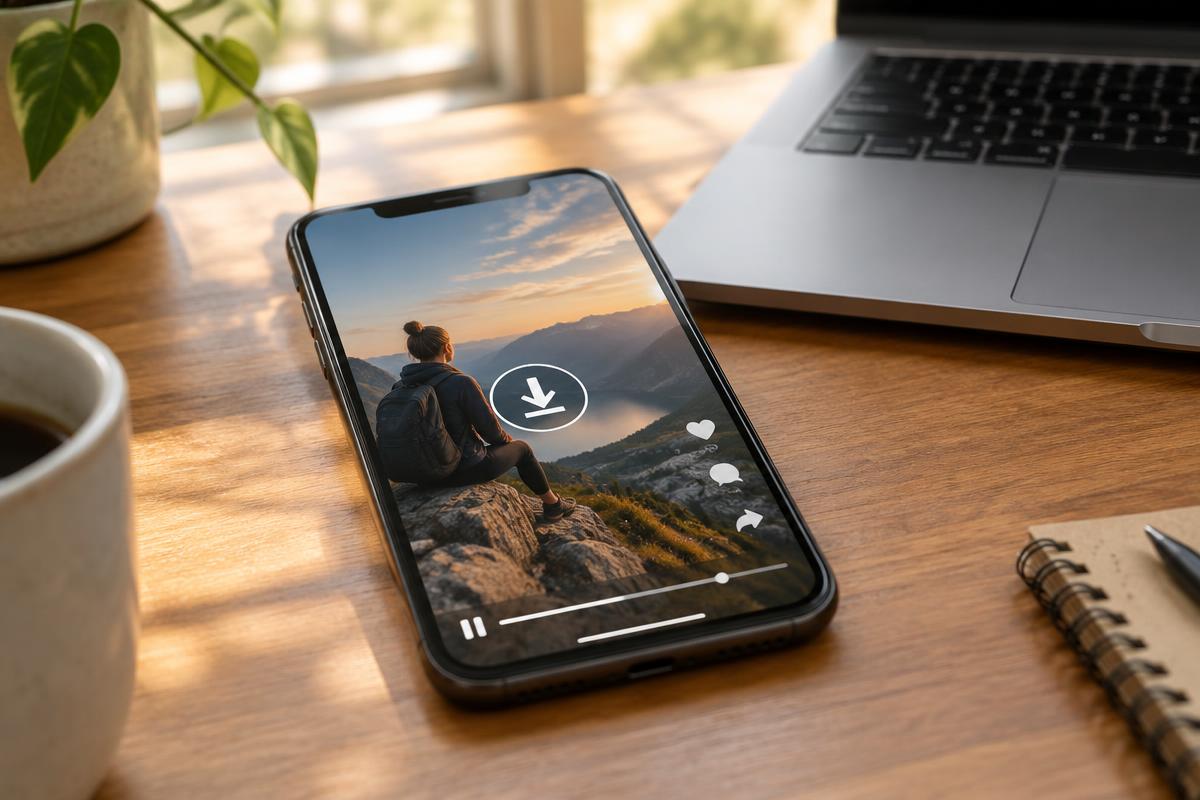
Why the built-in Save button is not enough
When you tap Save on a Facebook post, the video goes into your Saved collection — but it still lives on Facebook's servers. If the original poster deletes the video, makes their profile private, or Facebook removes it for a copyright claim, your saved copy disappears with it. You also cannot watch saved videos without an internet connection, and you cannot share them outside Facebook.
Downloading the actual file solves all three problems. The video sits in your own storage, plays offline, and stays put even if the original post vanishes. That is why hundreds of thousands of people search for a Facebook video downloader every single month.
The four steps that work on every device
- 01
Find the video and copy its link
Open the video in the Facebook app or website. Tap the three dots on the post (or the Share button) and choose Copy link. On a computer, you can also copy the address straight from the browser bar while the video is open on its own page.
- 02
Paste the link into the downloader
Open SSSTIKTOK in your browser — no app install needed — and paste the link into the input field on the homepage. Press the download button and wait a few seconds while the video is fetched.
- 03
Pick a quality and save
You will see the available quality options, usually HD and normal. HD looks sharper on big screens; normal is smaller and fine for phones. Tap the one you want and the file saves to your device.
- 04
Find and organise the file
Check your Downloads folder (Android, Windows, Mac) or the Files app (iPhone). Move the video into a folder you will remember, or rename it while you still know what it is.
iPhone, Android and PC — the small differences
The core method is the same everywhere, but each device has one quirk worth knowing.
iPhone: Use Safari, not an in-app browser. When the download finishes, tap the download icon in the address bar to find the file — it lands in the Files app under Downloads, not in Photos. To move it into your camera roll, open the file, tap the share icon and choose Save Video.
Android: Chrome handles everything. The file goes straight to your Downloads folder and most gallery apps pick it up automatically within a minute or two. If it does not appear, open your file manager and check the Download folder directly.
Windows and Mac: The easiest of the three. Copy the video URL from the address bar while the video is open on its own page, paste it into the downloader, and the file lands in your Downloads folder like any other download.
Reels, Watch videos and stories — what is different
Facebook Reels behave like TikTok videos: short, vertical, and shared with a link you can copy from the share menu. They download exactly the same way as regular videos.
Videos inside Facebook Watch sometimes take a few extra seconds to fetch because they are longer and come in more quality options. If the first attempt times out, just try again — long videos are the most common reason for a failed first attempt.
Facebook Stories are the exception. They expire after 24 hours and most are shared with a limited audience, so public downloaders usually cannot reach them. Your own stories are different — save them from your archive before they disappear.
HD or normal quality — which one should you pick
If the video was uploaded in high quality, you will usually see two options. HD is the right choice when you plan to watch on a TV or monitor, keep the video long-term, or edit it later. Normal quality is perfectly fine for phone viewing and takes up roughly half the storage.
One honest warning: no downloader can add quality that was never there. If the original upload was a blurry re-upload of a re-upload, the HD option will simply be a bigger blurry file. Check the preview before you save.
When a download fails — the usual fixes
Most failures come down to one of four things. First, the link: make sure you copied the link to the video post itself, not to the creator's whole profile. Second, privacy: friends-only and private-group videos cannot be fetched by anyone but their intended audience. Third, a deleted post: if Facebook shows "this content isn't available", the video is gone for good. Fourth, a temporary hiccup: wait ten seconds and try again before assuming anything is broken.
If the file downloads but plays with no sound, the video and audio were delivered as separate streams and were not merged. Re-run the download and choose a different quality option — that almost always fixes it.
A quick word on respecting creators
Downloading for personal offline viewing is one thing; re-posting someone else's video as your own is another. If you want to share a downloaded video, credit the original creator by name and link back to their page when you can. And if you plan to use a clip in anything commercial — an ad, a product page, a monetised channel — get written permission first. Five minutes of courtesy saves a lot of trouble later.
Ready to save a Facebook video?
Paste the link and download it in HD — free, no app, no sign-up.
Open the downloaderQuick answers
Short answers to the follow-up questions readers send us about this topic.
- Can I download any Facebook video I see?
- You can save videos that are shared publicly. Videos inside private groups, on friends-only profiles, or behind a login wall are not reachable by any downloader, and honestly they should not be — the creator chose that audience on purpose.
- Why does my downloaded Facebook video have no sound?
- Facebook sometimes delivers the video and audio as two separate streams. A good downloader merges them before saving. If your file is silent, try the download again with a tool that merges streams, or pick a different quality option.
- Is it legal to download Facebook videos?
- Saving a public video for your own offline viewing is generally fine. Re-uploading someone else's video as your own, or using it commercially without permission, is where copyright problems start. When in doubt, ask the creator.
- Where do downloaded Facebook videos go on my phone?
- On Android they land in the Downloads folder and usually appear in your gallery app within a minute. On iPhone they go to the Files app under Downloads, and you can move them to Photos from there.
Related articles
Other guides that answer the questions people usually ask straight after this one.
How to Download TikTok Sounds and Trending Audio in 2026
Viral sounds vanish without warning. Save a trending audio as MP3 on iPhone, Android or PC before it gets muted.
Read guideHow to Download Instagram Stories in 2026
Save your own stories with music, recover old ones from Archive, keep public Highlights and avoid story viewer scams.
Read guideHow to Download Twitter (X) Videos in 2026
Copy the right link, save videos and GIFs on iPhone, Android and PC, pick the best quality and fix no-sound files.
Read guide