How to Download Pinterest Videos in 2026 — iPhone, Android and PC
Pinterest has quietly become a video app. Recipes, hair tutorials, room makeovers, ten-minute workouts — half of what you scroll past now moves. Saving a pin to a board is easy, but a board is just a bookmark. If the pin is deleted, so is your recipe. Here is how to keep a real copy.
By Ayub Khan · Updated October 22, 2026 · 10 min read
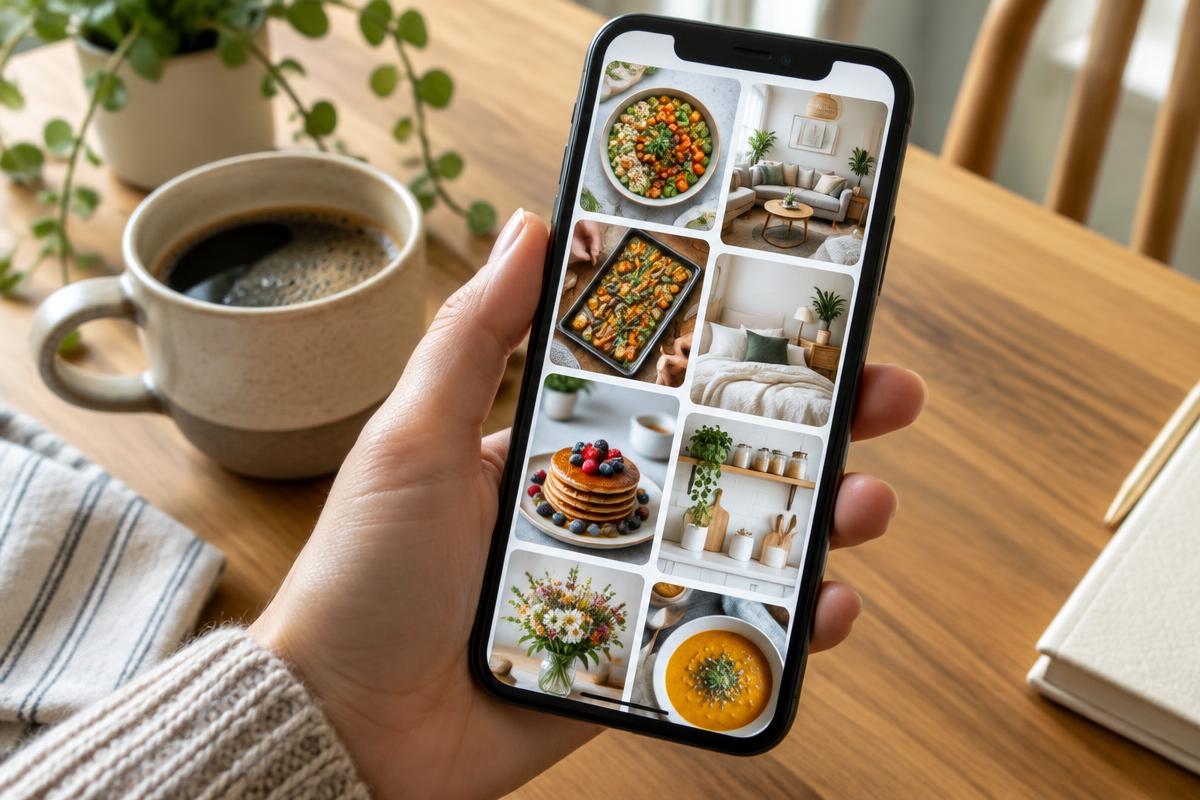
Saving to a board is not the same as downloading
When you press the red Save button, Pinterest adds the pin to one of your boards. That is handy for browsing later, but the video still lives on Pinterest. You need a connection to watch it, you cannot send it to someone on WhatsApp as a file, and if the original pinner removes it, it vanishes from your board too. I learned this the hard way with a bread recipe I had saved three times — all three pins pointed to the same deleted video.
A downloaded file sits in your own gallery. It plays on a plane, in the kitchen with poor Wi-Fi, or on a laptop while your hands are covered in flour. That is the whole point.
The four steps inside the Pinterest app
- 01
Open the video pin
Tap the pin so it opens full screen. Make sure it is a real video pin and not a still image with a play icon drawn on it — those are just pictures.
- 02
Tap the three dots
In the Pinterest app, tap the three dots (or the share arrow) at the top or bottom of the pin. On the website, the three dots sit next to the Save button.
- 03
Choose Download video
If the creator allows it, you will see Download video or Download image. Tap it and allow Pinterest to access your Photos or storage the first time it asks.
- 04
Check your gallery and rename
Open Photos (iPhone) or Gallery (Android) and look in Recents. Move the video into an album such as Recipes or Workouts so you can actually find it next month.
iPhone, Android and computer — what changes
iPhone: The first time you download, iOS asks whether Pinterest may add to your Photos. Choose Allow, or the download silently fails. If you tapped Don't Allow earlier, open Settings, scroll to Pinterest, tap Photos and switch it to Add Photos Only or Full Access.
Android: Videos usually appear in Gallery or Google Photos under a Pinterest folder. On some phones they hide in Internal storage, then Pictures, then Pinterest. If nothing shows up, check that the app has storage or media permission in Settings, Apps, Pinterest, Permissions.
Windows and Mac: On pinterest.com, open the pin, click the three dots next to Save and choose Download. If the menu only offers an image, the pin does not allow a video download. Files go to your normal Downloads folder.
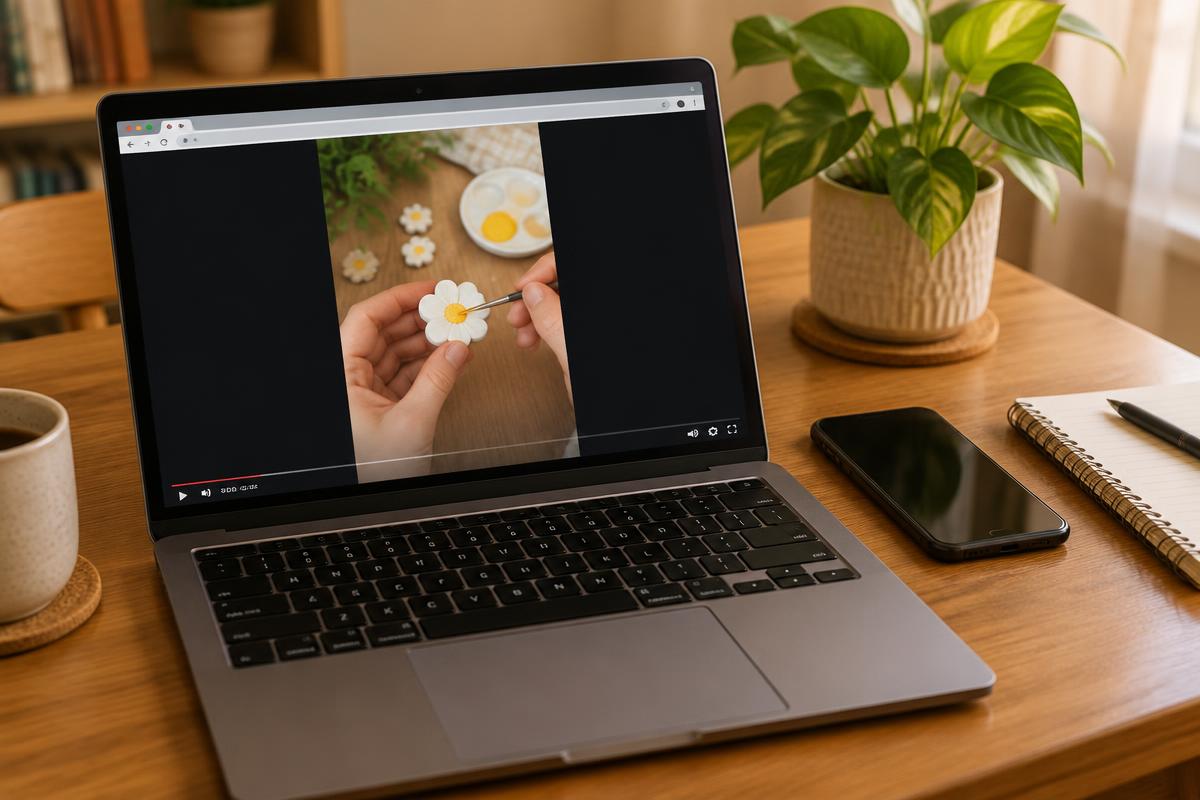
When the download option is missing
This is the question people ask most, and the honest answer is that Pinterest decides per pin. Promoted pins (ads), many Idea pins and pins that came from an outside website often have no download option. Some creators switch it off on purpose.
Before reaching for a random third-party site, try the simple things. Tap the pin title or the link under the video — many pins lead to the original blog or YouTube channel, where the full recipe or tutorial lives, usually in better quality. If the video came from TikTok (you will often see the TikTok username in the corner), find the original TikTok post and save it with our TikTok downloader without the watermark.
Be careful with sites that promise to download any pin. Many are covered in pop-ups, push you to install an APK or ask you to log in with your Pinterest account. Never give your password to a download site — no legitimate one needs it.
Why the saved video looks blurry or has no sound
Pinterest compresses videos heavily, and many pins are already re-uploads of re-uploads. The download gives you exactly what Pinterest stores, so a soft-looking pin will be a soft-looking file. If quality matters, go back to the original creator's post.
Silent videos are often silent on Pinterest too — many pins autoplay muted and were uploaded without audio. Play the pin with sound on before downloading so you know what to expect.
Keep your saved videos organised
A gallery full of files called VID_20261022 is nearly as useless as no download at all. Make two or three albums that match how you use Pinterest — Recipes, Home ideas, Workouts — and move each video in right after saving. On a computer, rename the file with the dish or project name and the creator's handle, for example butter-chicken-by-chefname.mp4. Six months later you will thank yourself.
Respect the creator
Downloading a pin to cook from it or follow a workout offline is everyday personal use. Posting that same video on your Reels or TikTok as if it were yours is not. If you share it, credit the original creator by name, and for anything commercial ask for permission in writing first.
Found the original on TikTok?
Paste the TikTok link and save it in HD without the watermark — free, no app, no sign-up.
Open the downloaderQuick answers
Short answers to the follow-up questions readers send us about this topic.
- Does Pinterest have its own download button for videos?
- On many video pins, yes. Open the pin, tap the three dots and look for Download video or Download image. If the option is missing, the creator or Pinterest has not allowed downloads for that pin, and you should respect that choice.
- Why is there no download option on some pins?
- Idea pins, promoted pins and pins linked from other websites often do not offer a download. Some creators turn it off. In that case, save the pin to a board so you can find it again, or visit the original website the pin links to.
- Where do downloaded Pinterest videos go?
- On iPhone, Pinterest asks for Photos access and saves the video to your camera roll. On Android it goes to the Gallery, usually in a Pinterest folder. On a computer it lands in your browser's Downloads folder.
- Can I reuse a Pinterest video on my own account?
- Only with permission. Pins are often copies of someone else's work, so the person who pinned it may not even own it. For anything public or commercial, find the original creator and ask first, and always give credit.
Related articles
Other guides that answer the questions people usually ask straight after this one.
SnapTik and SSSTik Alternative: How to Pick a Safe TikTok Downloader in 2026
A practical checklist for choosing a TikTok downloader with no pop-ups, no APK and honest HD and MP3 options.
Read guideHow to Download Facebook Videos in 2026 — Phone, PC and HD Tips
Save public Facebook videos, Reels and Watch clips on iPhone, Android and PC. Pick HD quality, fix no-sound files and keep everything organised.
Read guideHow to Download TikTok Sounds and Trending Audio in 2026
Viral sounds vanish without warning. Save a trending audio as MP3 on iPhone, Android or PC before it gets muted.
Read guide